Use guides · Email verification
How to Receive a Verification Code with a Temporary Email
Get a one-time verification code in your FreeTemp inbox, copy it with one tap and enter it before it expires. Includes fixes when the code does not appear.
By FreeTemp2 min read
The site asked for a verification code, and it went to your temporary address. Codes expire quickly, so the goal is to get it, copy it and enter it fast.
What you need
- The FreeTemp tab open, with the same address you gave the site. If you are not sure it was entered correctly, check how to copy and paste the address.
Steps
- Request the code on the site only when you are ready to type it.
- Switch to FreeTemp. The message appears live.
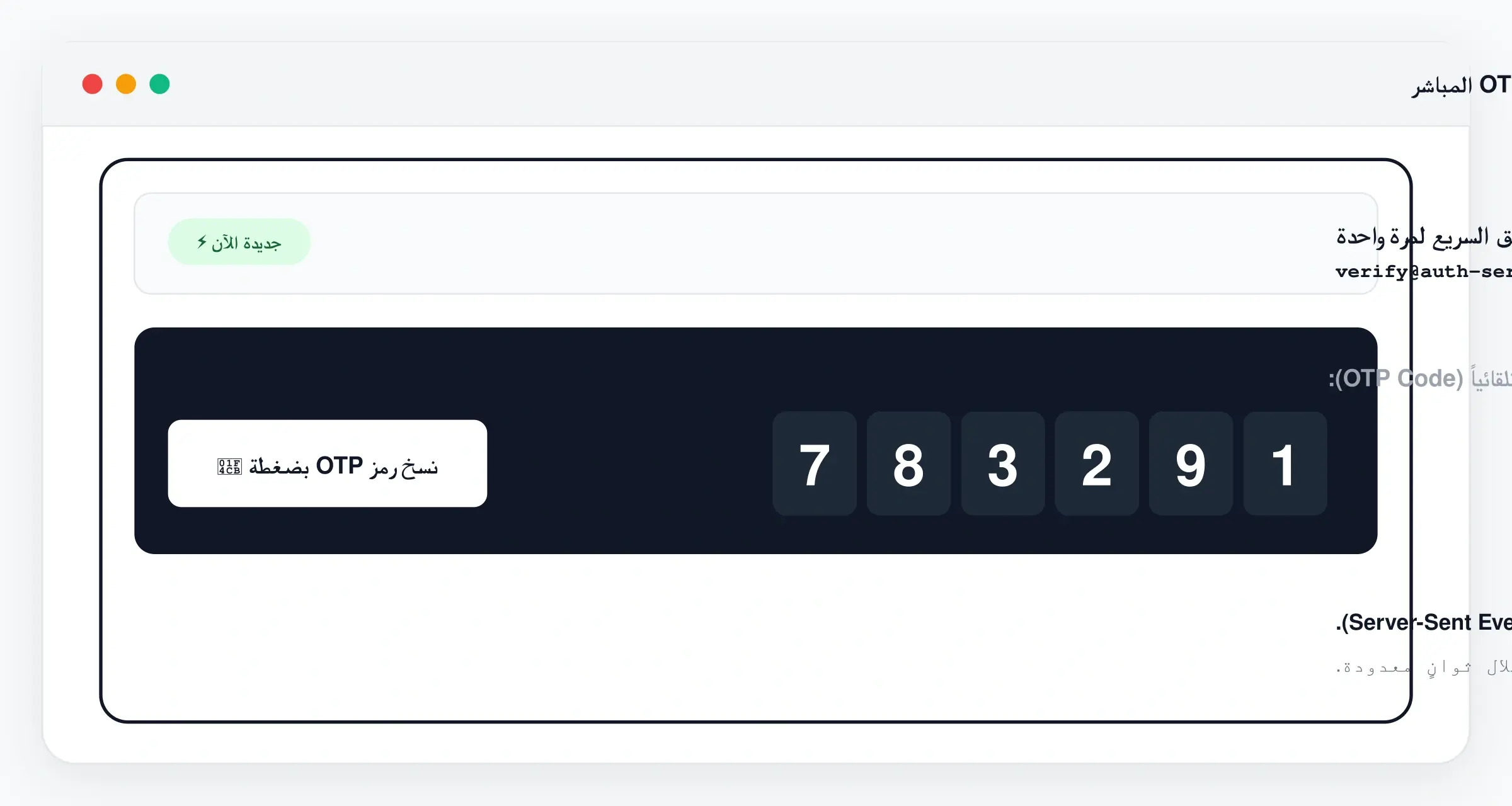
- If a code is detected, a quick-code card shows it with a copy button. Press it.
- If there is no card, open the verification email and copy the code from the text.
- Return to the site, paste or type the code and submit.
Common problems
- The code does not work. It may have expired, or a newer message replaced it. Use the newest message.
- No message arrives. Go through the missing-email checklist.
- The site wants a link, not a code. Follow how to open a confirmation link.
What to do next
After the site accepts the code, your account is verified. For the whole flow in one place, see how to sign up for a website with a temporary email.
Frequently asked questions
The quick-code card did not appear. What now?
Open the message and copy the code from the text. Automatic detection may not recognise every format.