Use guides · Troubleshooting
What to Do When Your Temporary Inbox Expires (and How to Extend It)
Your FreeTemp inbox lasts 20 minutes by default and can be extended by 10 minutes up to 60. Learn how to extend it and what to do if it already expired.
By FreeTemp2 min read
A FreeTemp inbox is temporary on purpose. By default it lasts 20 minutes. Here is how to keep it alive when you need more time, and how to recover when it is gone.
Extend before it ends
- Watch the timer on the FreeTemp page.
- Press +10 min before time runs out. Each press adds 10 minutes, up to a maximum of 60 minutes.
- Continue signing up for the website or receiving the code.
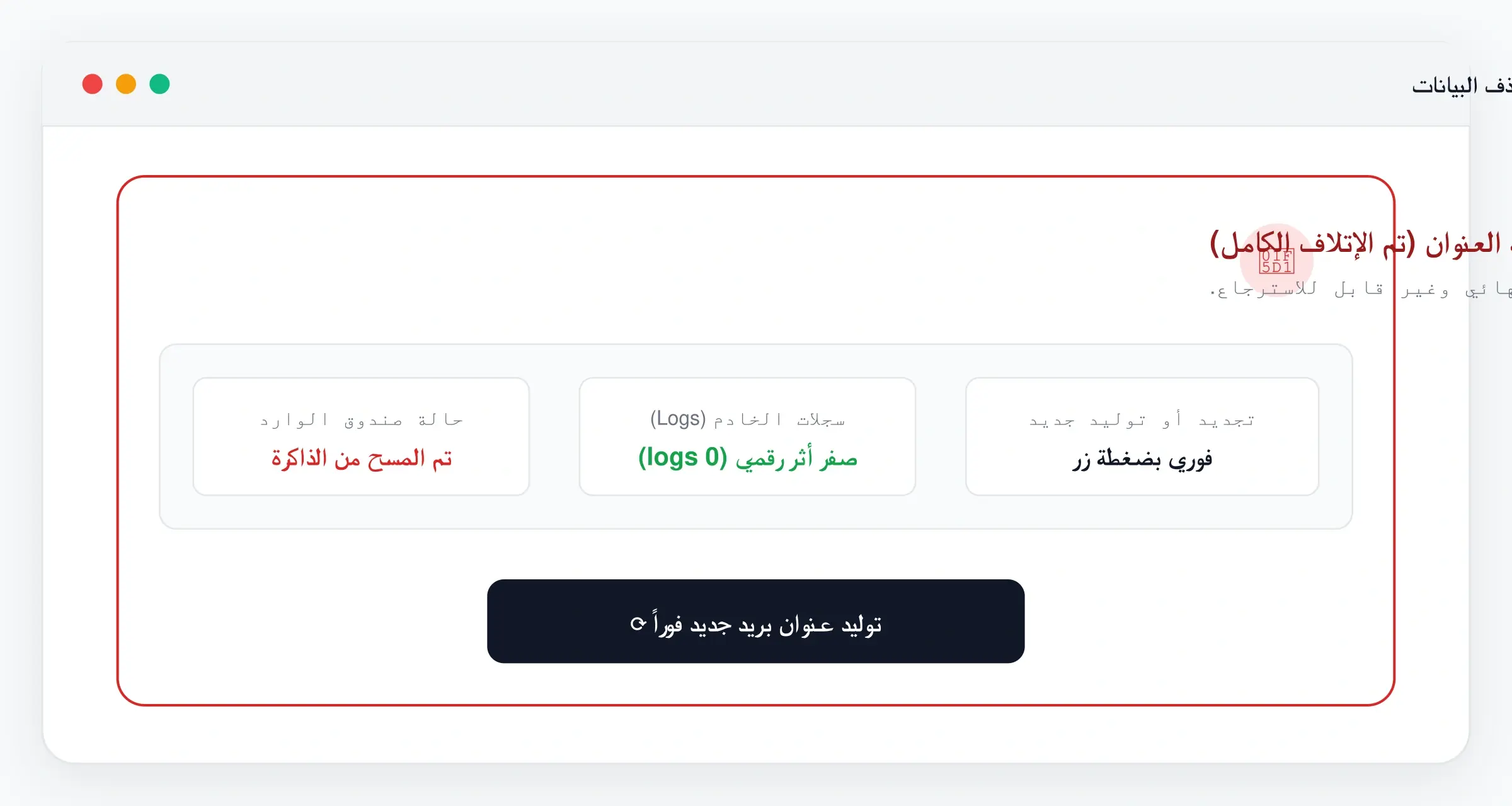
If it already expired
An expired inbox cannot be brought back, and its messages are deleted with it.
- Create a new temporary email address.
- Use it on the site and request the email again. If the site still points at the old address, restart the sign-up with the new one.
- Receive the new message and finish verifying. This time, extend the inbox before it ends.
Common problems
- The new email does not arrive. See the missing-email checklist.
- The site says the old email is already used. Start the sign-up again, or use the site's account recovery if you have one. That is why temporary addresses are not suitable for accounts you want to keep.
Frequently asked questions
Can an expired inbox be restored?
No. Create a new address and request the email again.