Como usar um email temporário, passo a passo
Da abertura da página ao recebimento de um código de verificação e à destruição da caixa: tudo o que você precisa para usar o FreeTemp com segurança, incluindo seus limites reais e soluções para problemas comuns.
- 20 minutos
- duração padrão da caixa
- +10 minutos
- por extensão, limitado a 60
- 2 MB
- tamanho máximo padrão da mensagem
- Sem cadastro
- um endereço fica pronto ao chegar
Cinco passos para começar
- 01
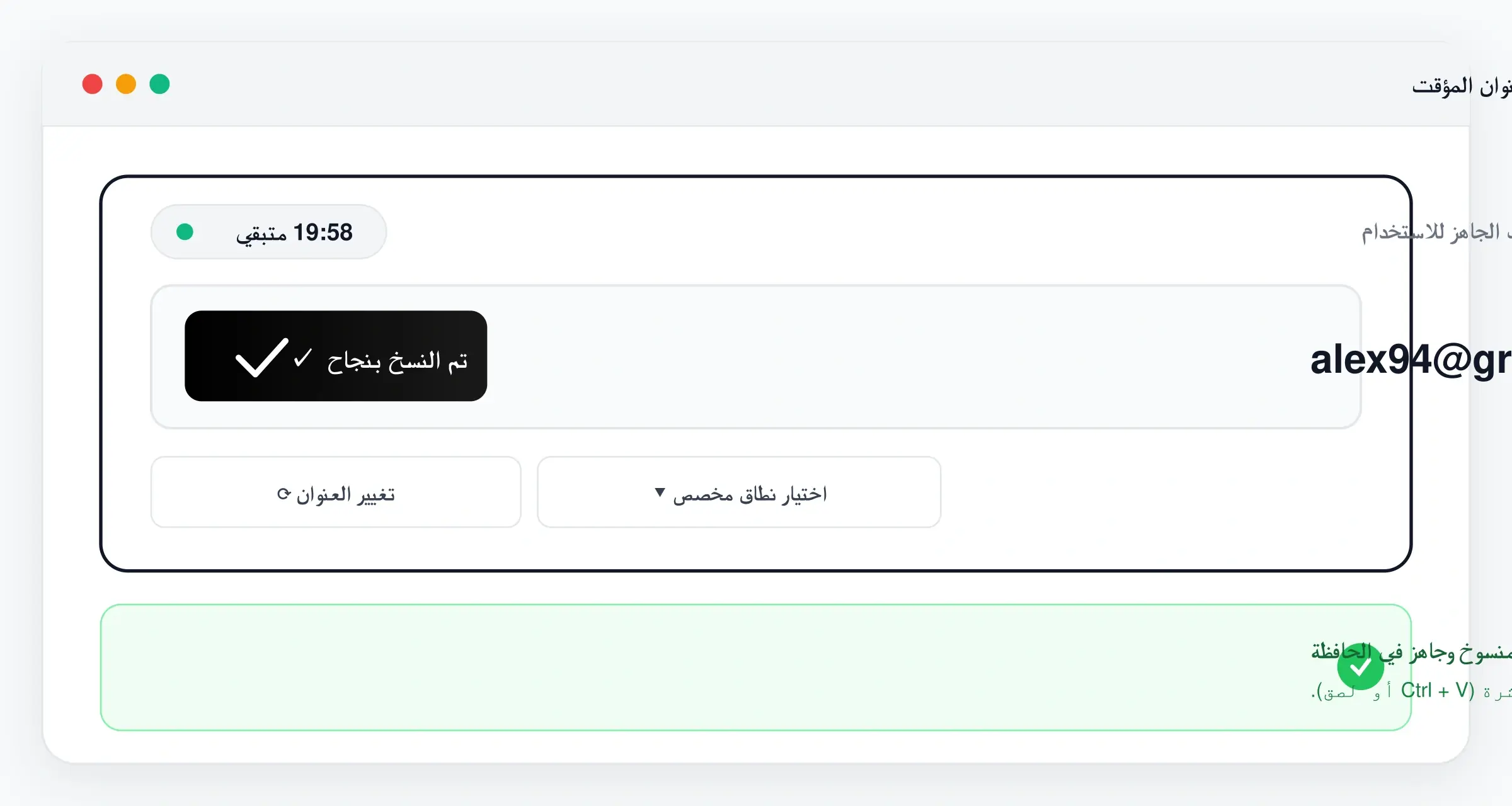
Abra a página inicial e copie o endereço
Um endereço aleatório é criado assim que a página inicial carrega, sem cadastro. Toque no botão de copiar. Uma verificação rápida para confirmar que você não é um robô pode aparecer antes de o endereço ser criado.
- 02
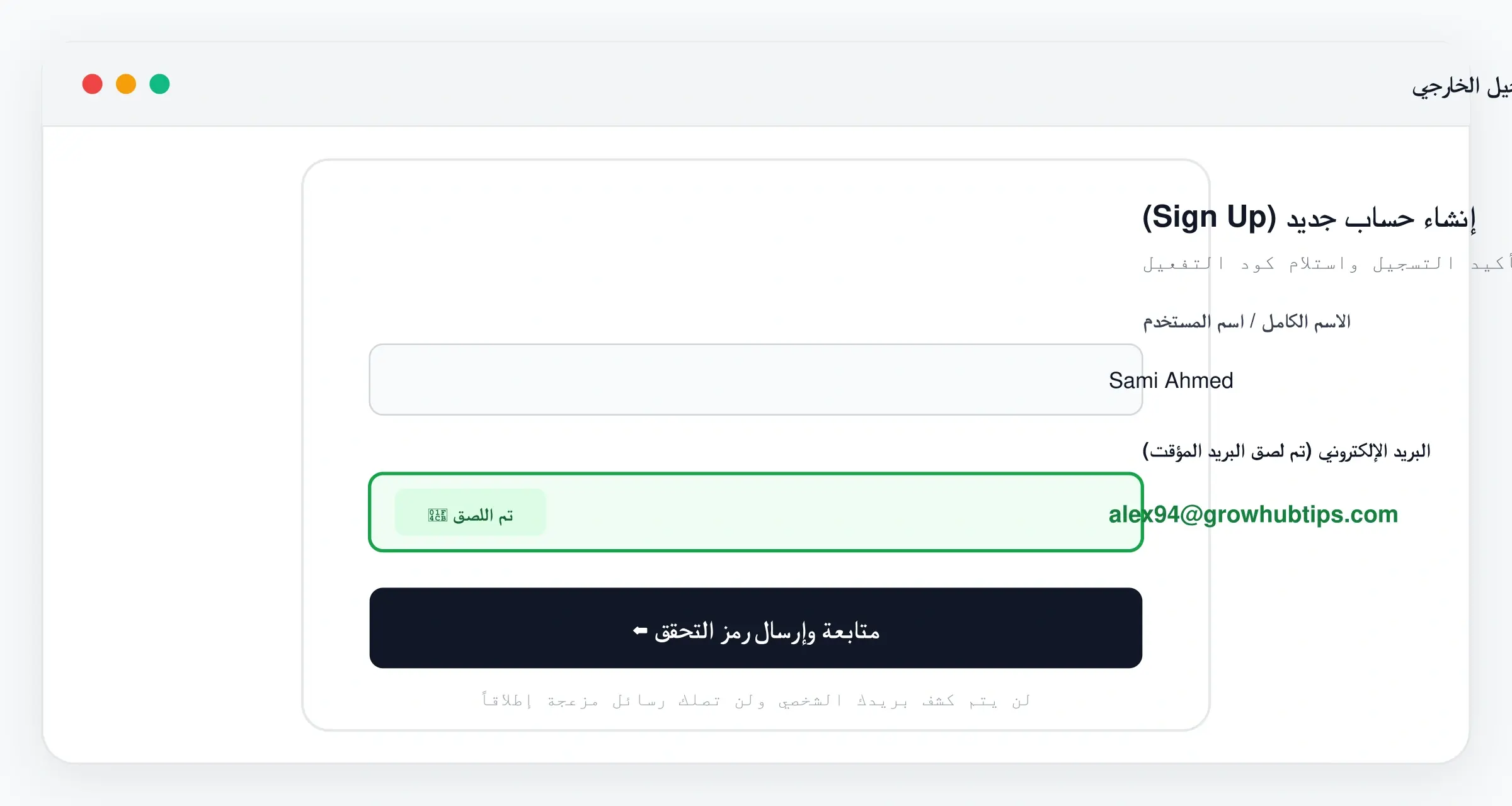
Cole no formulário de cadastro
Use o endereço no campo de e-mail do site ou aplicativo em que quer se cadastrar e conclua o cadastro normalmente. Mantenha a página do FreeTemp aberta até a mensagem chegar.
- 03
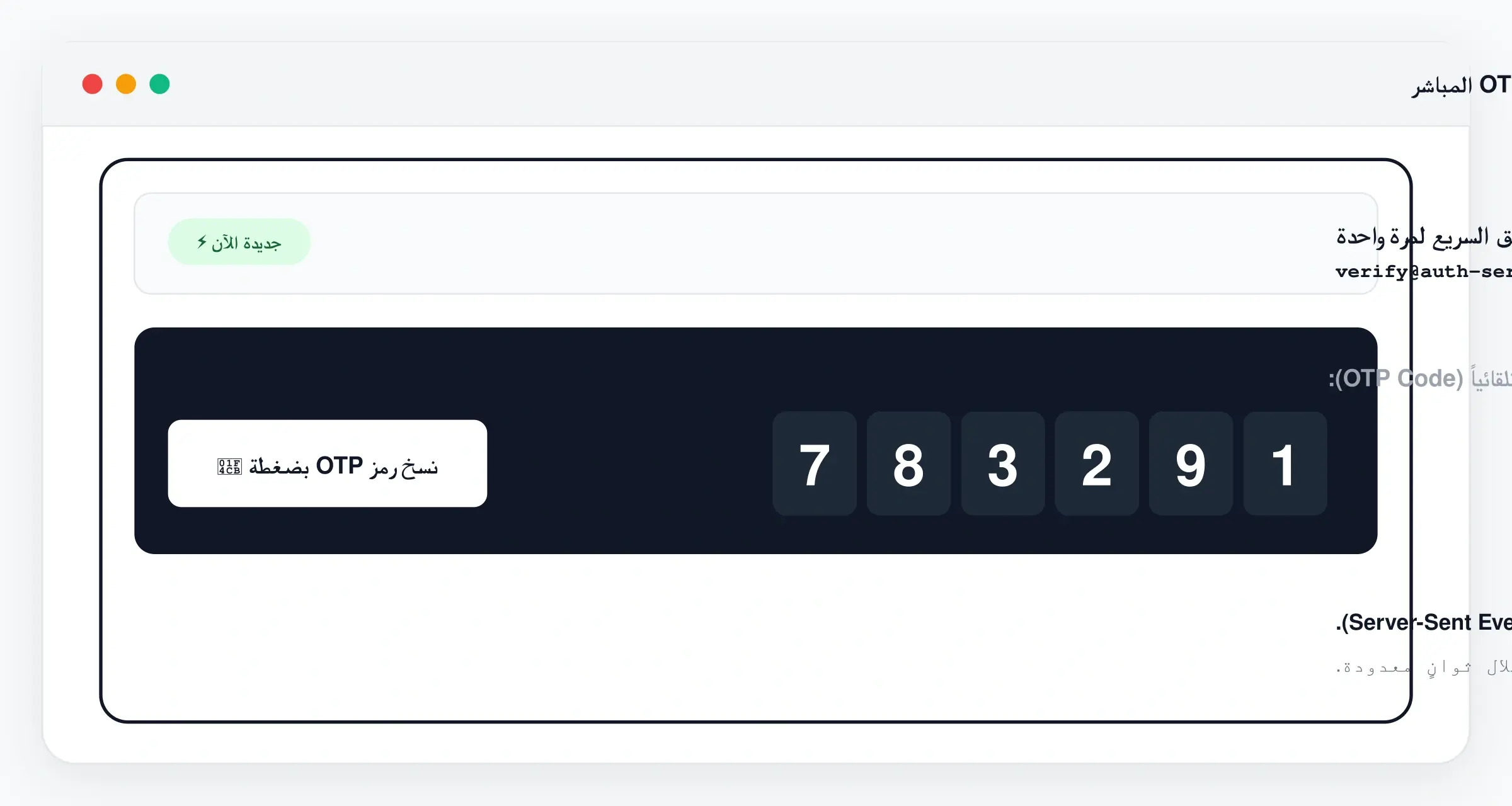
Receba a mensagem e o código ao vivo
A mensagem aparece na caixa assim que chega, sem recarregar. Se um código de verificação for encontrado na mensagem, ele aparece em um cartão de código rápido com botão de copiar.
- 04
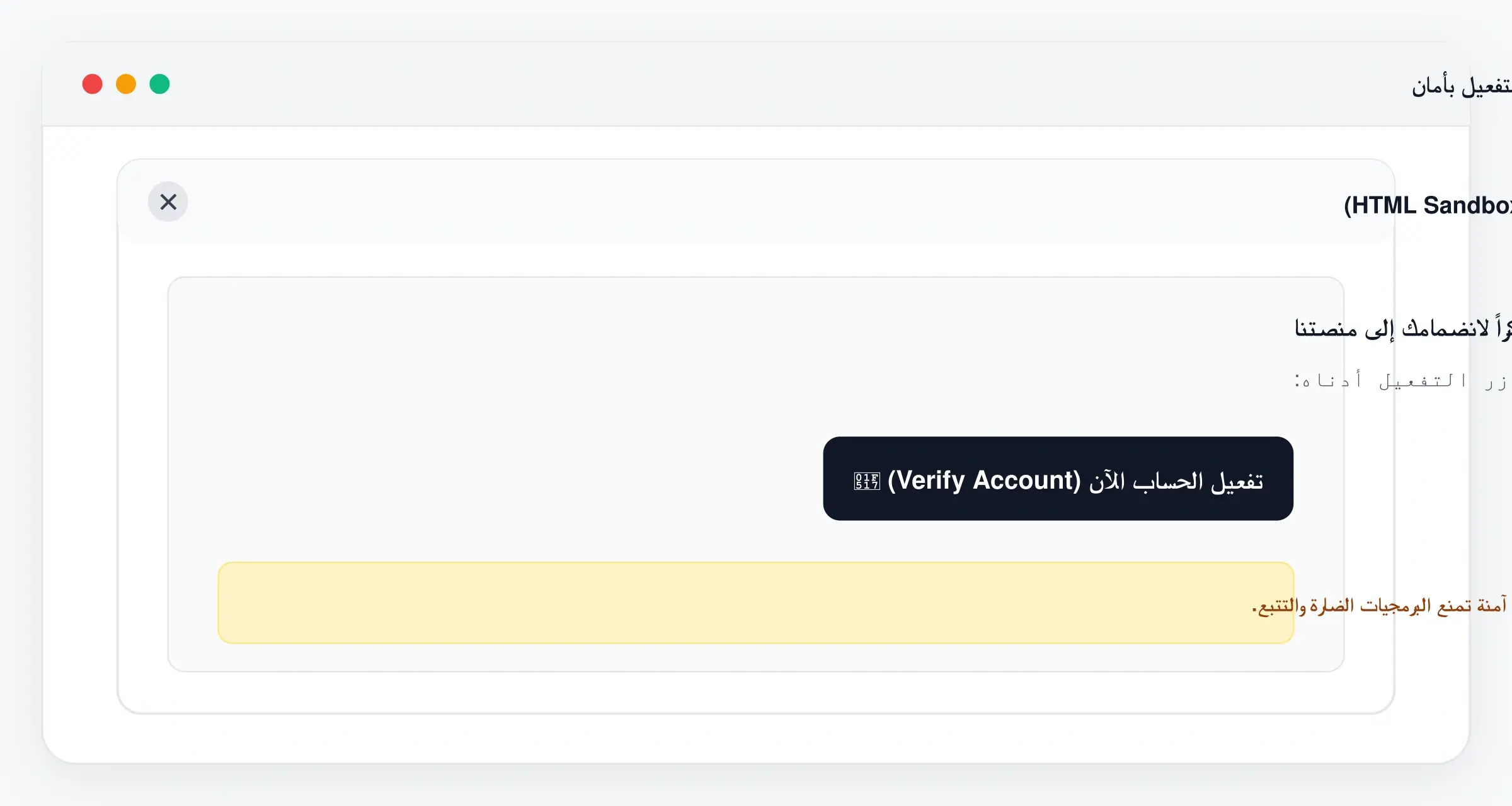
Leia em uma visualização isolada
As mensagens abrem em um quadro isolado com uma política de segurança rígida que bloqueia imagens e recursos externos. Trate os links das mensagens com o mesmo cuidado de qualquer e-mail.
- 05
Estenda a caixa ou destrua
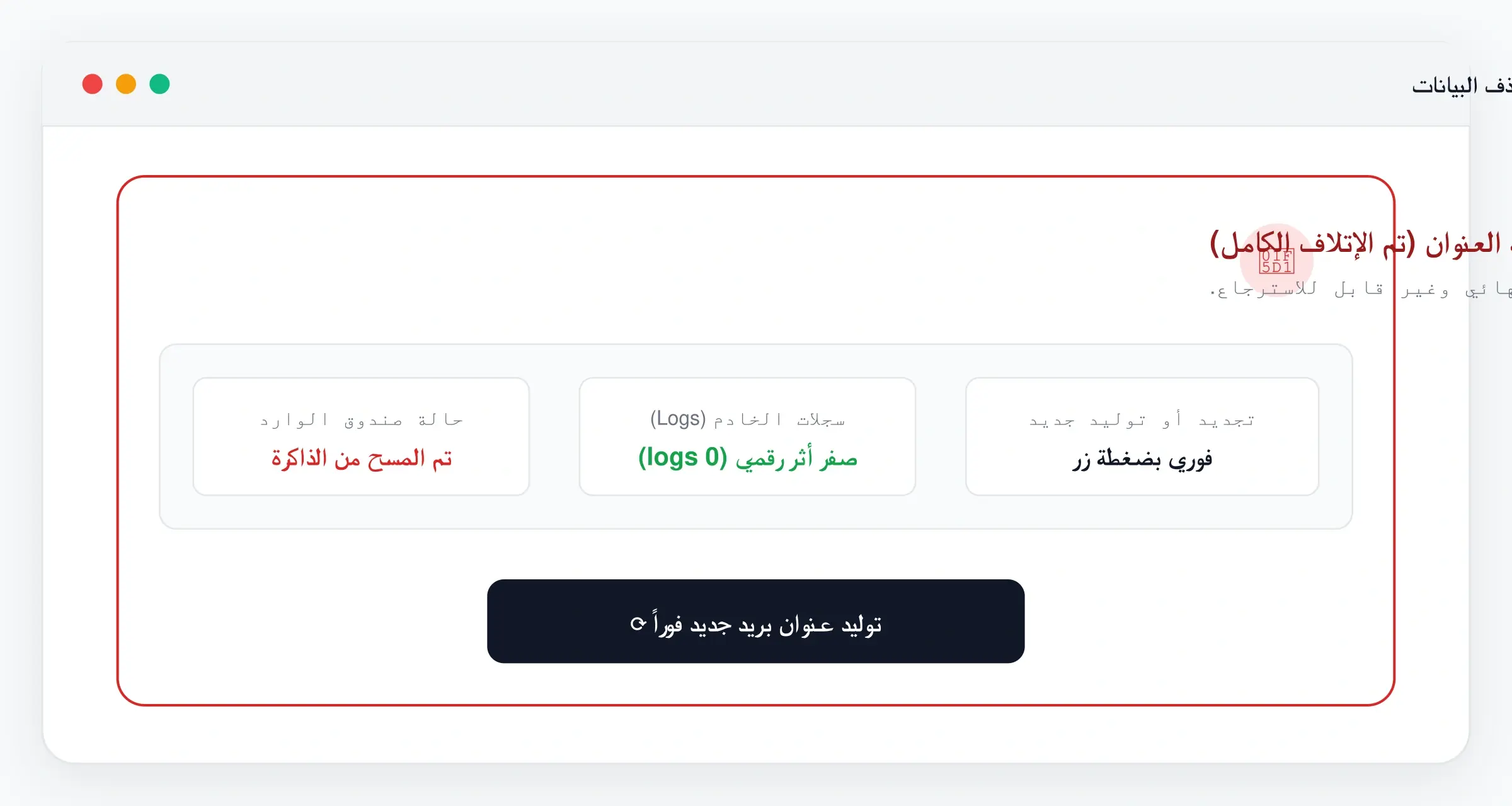
A caixa expira sozinha ao fim da sua duração. Toque em “+10 min” se precisar de mais tempo, ou em “Destruir caixa” para apagar imediatamente a caixa e as mensagens quando terminar.
Dicas para melhores resultados
Prepare-se antes de pedir o e-mail
Mantenha o FreeTemp em uma aba e o cadastro em outra. Não feche a aba antes de a mensagem chegar.
Copie o código imediatamente
Os códigos de verificação expiram rápido na maioria dos sites. Peça o código quando estiver pronto para digitá-lo.
Não reenvie repetidamente
Muitos pedidos de reenvio podem atrasar ou bloquear o e-mail. Espere um minuto antes de tentar de novo.
Estenda antes de o tempo acabar
Se o cadastro demorar, estenda antes de a caixa expirar. Uma caixa expirada não pode ser recuperada.
Destrua quando terminar
Se não precisa mais do endereço, use “Destruir caixa” em vez de esperar a expiração.
Limites que você deve conhecer
Um email temporário ajuda a evitar spam e proteger sua caixa principal. Ele não é uma forma de esconder sua identidade. Portanto:
- A caixa é temporária e expira. Não use em uma conta que você possa precisar recuperar depois (banco, trabalho, loja com pedidos).
- Só as últimas 50 mensagens são exibidas, e uma mensagem maior que o limite (2 MB por padrão) é rejeitada.
- Alguns sites bloqueiam domínios de email temporário conhecidos, então um site pode recusar seu endereço.
- Não podemos garantir que toda mensagem chegue. Atrasos ou bloqueios no remetente estão fora do nosso controle.
- Mensagens enviadas para um domínio que não ativamos são rejeitadas.
- Não use o endereço para informações sensíveis ou financeiras.
Resolvendo problemas comuns
A mensagem não chegou
Espere um ou dois minutos, confira se o endereço foi copiado inteiro, sem espaços, e se a caixa não expirou. Depois peça o reenvio uma única vez no site.
O site rejeita o endereço
Provavelmente ele bloqueia o domínio. Gere um novo endereço, que pode usar outro domínio, ou escolha outra opção para esse site.
Não consigo criar um novo endereço
Há um limite de novos endereços por conexão em um período curto. Espere alguns minutos e tente de novo.
A caixa expirou antes de eu terminar
Uma caixa expirada não pode ser restaurada. Crie um novo endereço e peça o e-mail de novo, estendendo a caixa antes do fim desta vez.
O código rápido não aparece
A detecção automática pode não reconhecer todos os formatos de mensagem. Abra a mensagem e copie o código diretamente.
Perguntas frequentes
Preciso de conta ou senha?
Não. Um endereço é criado quando você abre a página inicial, sem cadastro.
Quanto tempo dura um endereço?
20 minutos por padrão. Você pode estender de 10 em 10 minutos, até 60 minutos a partir do momento em que estender. Os padrões podem mudar.
Posso enviar e-mail a partir do endereço?
Não. A caixa só recebe mensagens.
O que acontece com as mensagens depois que expira?
Elas são apagadas junto com a caixa. Use “Destruir caixa” para apagá-las imediatamente.
Uma caixa expirada pode ser restaurada?
Não. Crie um novo endereço.
Serve para todas as contas?
Não. Use para testes e cadastros descartáveis, não para uma conta importante que você possa precisar recuperar.