Features & limits
Temporary Gmail Address: Myth vs Real Privacy Options
Looking for a temporary Gmail address? Learn why third-party sites cannot issue real @gmail.com inboxes and compare 4 honest ways to protect your Gmail.
By FreeTemp7 min read
No third-party temp mail website can give you a genuine temporary Gmail address, because Google exclusively controls @gmail.com mail routing and requires full Google account creation for every real Gmail mailbox. FreeTemp has no affiliation with Google and generates addresses only on its own active receiving domains. However, if your real goal is receiving a verification code or downloading a file without exposing your personal Gmail to spam, four legitimate, transparent options give you that exact protection safely.
Why "Temporary Gmail Address" Generators Do Not Exist—or Put You at Risk
Thousands of people search for a throwaway @gmail.com inbox every day because they want two things at once: the familiarity of Gmail and the zero-trace convenience of a self-destructing inbox. Understanding why outside websites cannot combine both protects you from deceptive tools.
Only Google Operates MX Servers for gmail.com
In standard internet mail routing, incoming messages for any @gmail.com address travel strictly to Google's own mail exchangers. An independent privacy service cannot spin up a 20-minute anonymous @gmail.com mailbox without owning that domain.
Whenever an unfamiliar site claims to hand out "instant temporary Gmail inboxes," it is typically doing one of two risky things:
- Routing through a shared Google account owned by a stranger: Using Gmail's dot or plus variations on an account controlled by the site operator—meaning the operator (and often every other visitor on the page) can read your incoming confirmation links and reset tokens.
- Selling or distributing bulk-created accounts: Violating Google's Terms of Service, triggering rapid automated suspension, and exposing anyone who enters personal data to account takeover.
What Searchers Actually Want—and 4 Legitimate Alternatives
Most people typing "temporary Gmail" are simply trying to keep their personal @gmail.com inbox clean. Depending on whether your task lasts two minutes or two years, choose one of these four honest methods:
| Method | Hides Your Real Gmail? | Self-Destructs Automatically? | Accepted When Site Requires @gmail.com? | Best Use Case |
|---|---|---|---|---|
| 1. Standalone temporary inbox (FreeTemp) | Yes—100% separate | Yes (20 min default, up to 60 min) | No—uses FreeTemp's own domains | One-off verification codes, downloads, QA tests |
2. Gmail +tag or dot variations | No—real Gmail stays visible | No—delivers to your main inbox | Usually (some forms reject +) | Filtering newsletters & sorting trusted senders |
| 3. Privacy forwarding alias service | Yes—forwards via relay domain | No—you toggle it off manually | Only if any valid domain is accepted | Online shopping, forums, lasting accounts |
| 4. Dedicated secondary Google account | Keeps primary Gmail separate | No—permanent Google account | Yes—official @gmail.com account | Services that strictly require Google Sign-In |
Option 1: A True Disposable Inbox on FreeTemp (For One-Time Tasks)
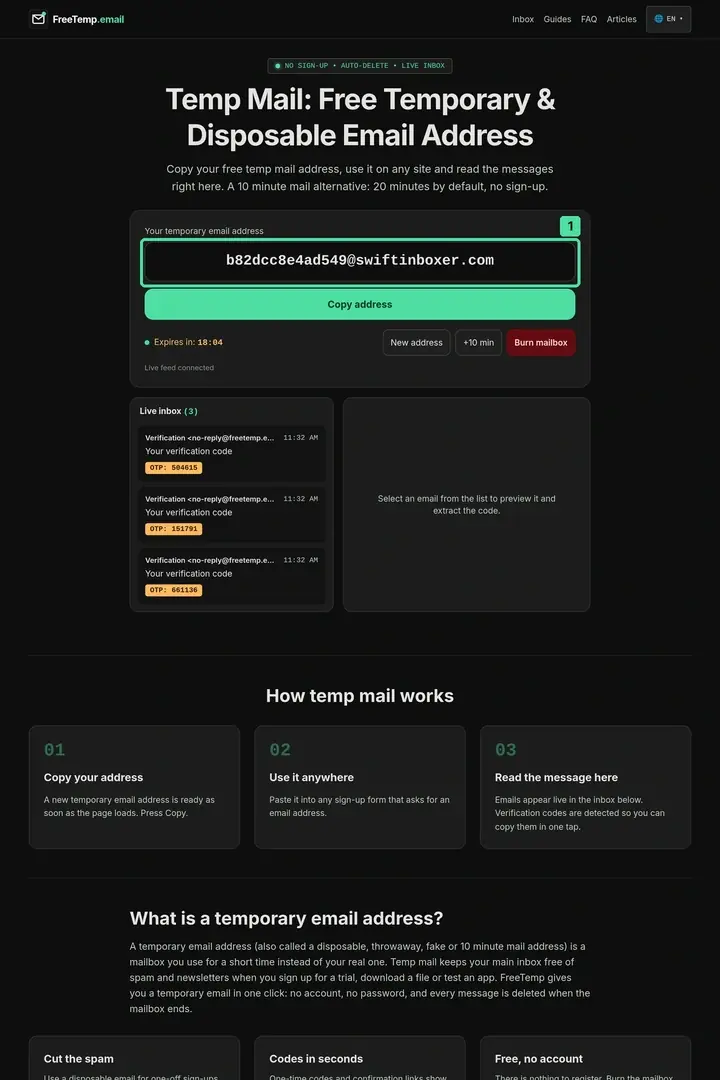
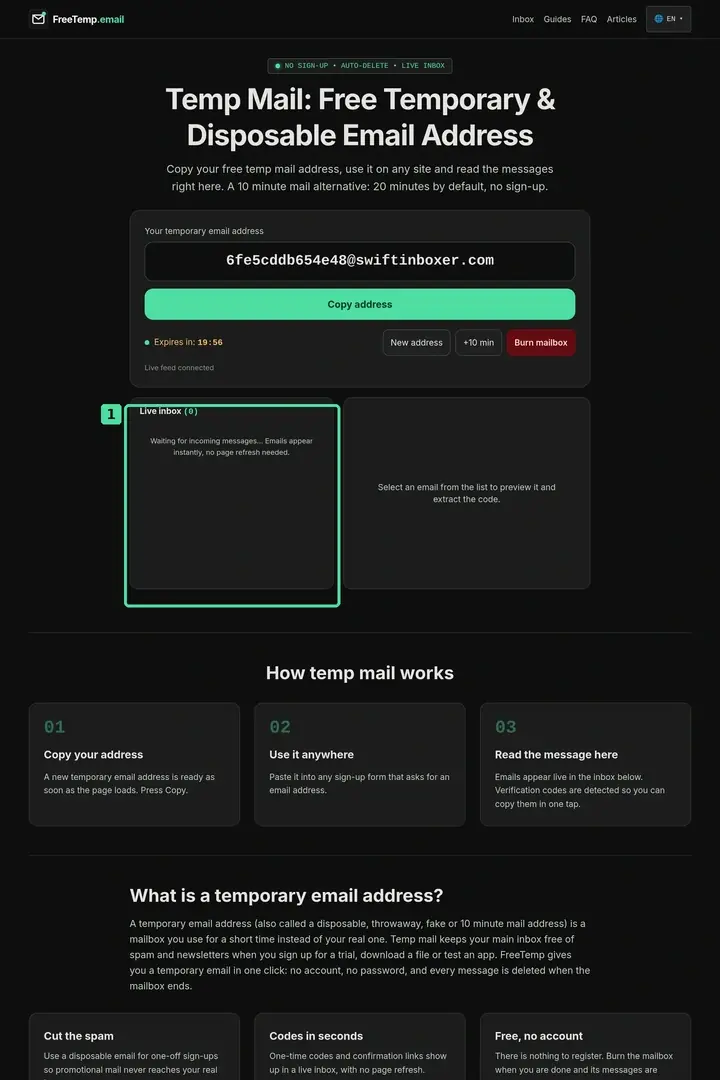
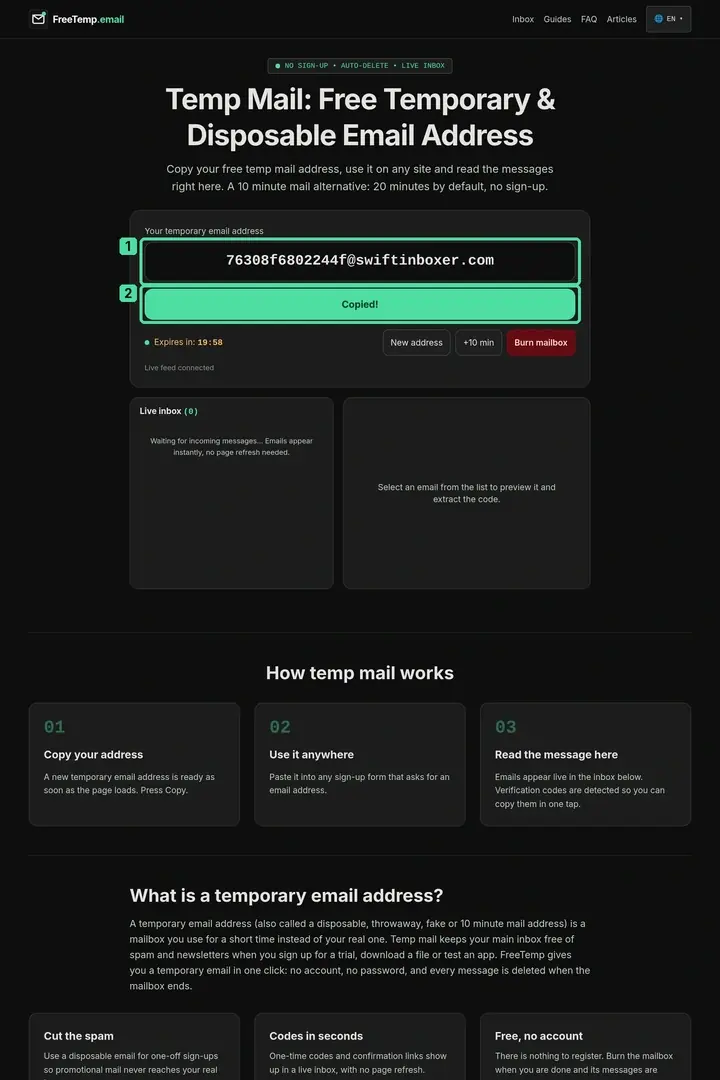
When a website asks for any working email address—not specifically Google—opening the FreeTemp homepage gives you an isolated receive-only inbox immediately. Your browser receives a private session token, live messages arrive over WebSocket, external tracking images are blocked by default, and the entire mailbox wipes itself after 20 minutes (or right away via Burn mailbox). To follow the code workflow step by step, see temporary email for verification.
Option 2: Gmail Plus Addressing (name+label@gmail.com) for Filtering Only
Gmail ignores everything between a + sign and @ during routing (and ignores dots before @), delivering alex+events@gmail.com straight into alex@gmail.com. You can pair that tag with a Gmail filter rule to skip the Primary tab or apply a label automatically:
- Enter
yourname+topic@gmail.comon a trusted newsletter or event registration form. - In Gmail Settings, open Filters and Blocked Addresses and create a filter matching
to:(yourname+topic@gmail.com). - Choose Skip the Inbox (Archive it) and apply a dedicated label so promotional mail never interrupts your main notifications.
Remember the privacy catch: any human or script looking at yourname+topic@gmail.com can see your exact personal Gmail address immediately.
Option 3: Forwarding Relay Aliases for Durable Non-Google Signups
If you want messages delivered into your Gmail inbox without revealing your @gmail.com address, use a dedicated email alias relay—see our detailed breakdown in temporary vs disposable email address vs aliases. The relay forwards mail to your Gmail until you flip its switch off.
Option 4: Official Secondary Gmail Account (When Google Is Mandatory)
Some enterprise tools, Google Workspace shares, or YouTube/Android ecosystems genuinely require an official Google identity. Notice the difference between two kinds of prompts on websites:
- Standard email text fields ask for any deliverable address and verify it with a code or link—here, an independent inbox or relay alias works cleanly unless the site filters public domains.
- "Continue with Google" (OAuth) buttons authenticate directly against Google's identity servers using cryptographic tokens rather than sending a plain verification email—no external mailbox or non-Google alias can substitute for a real Google session here.
In those Google-only cases, create a dedicated secondary Google account directly through Google's official registration flow, secure it with two-factor authentication, and keep it separate from your personal correspondence. Never try to force a disposable domain where an official account is required; read why websites reject temporary email domains and legitimate alternatives.
Worked Example: Keeping a Personal Gmail Clean During a Conference Week
Suppose an engineer attends an industry conference where four booths offer downloadable slide decks via QR forms, one developer tool hosts an ongoing community Slack, and a workshop shares a live Google Sheet requiring editor access:
- For the four booth slide decks, the engineer opens FreeTemp on their phone, receives each download link in the isolated inbox, saves the PDFs, and burns the session—preventing four vendor CRMs from emailing their personal Gmail all year.
- For the ongoing developer community, they use a forwarding relay alias so monthly announcements arrive neatly under a Gmail label with an easy off-switch.
- For the shared Google Sheet, they use a dedicated secondary Google account created officially for professional workshops.
Common Mistakes Users Make Chasing "Temp Gmail"
- Pasting sensitive verification emails into shared "dot-trick" Gmail sites: Because those addresses route into someone else's Google account, the site owner has full technical access to every message you receive.
- Assuming Gmail dots (
a.l.e.x@gmail.com) create a separate disposable inbox: Dots do not hide your address or stop spam; every message lands in your exact same primary Gmail inbox. - Buying pre-made Gmail accounts from third-party forums: Purchased accounts violate Google policies, frequently carry recovery emails owned by the seller, and get locked without warning.
- Using a 20-minute FreeTemp inbox for services you need to recover next month: If you will need future login codes or receipts, step back from disposable mail and use a lasting alias or real account—or review our step-by-step website signup guide to confirm your task is truly one-off.
Picking the Honest Tool That Protects Your Gmail
You do not need a fake @gmail.com generator to protect your real Gmail inbox. Use FreeTemp on its own transparent domains whenever you want a quick, private buffer for a one-time code or download, use forwarding aliases for accounts you plan to keep, and create an official Google account directly with Google whenever a service specifically requires Gmail.
Frequently asked questions
Does FreeTemp provide @gmail.com email addresses?
No. FreeTemp generates temporary addresses exclusively on its own domains and has no connection or affiliation with Gmail or Google.
Are websites that offer "temporary Gmail addresses" using dots or plus signs private?
No. Those sites route variations of a real Gmail account owned by the website operator. That means the operator—and often other public visitors—can read every verification link sent to that address.
Does adding +something to my Gmail address hide my real email from marketers?
No. In user+tag@gmail.com, your actual Gmail username sits in plain text right before the plus sign, and many marketing scripts strip the +tag automatically.
What should I use if a website strictly requires a @gmail.com address to register?
Create and use a legitimate Google account that you own and secure yourself. Disposable email services are meant for general web forms that accept independent domains, not for bypassing provider-specific requirements.