Use cases
Temporary vs Disposable Email Address vs Email Aliases
Compare a temporary inbox, a disposable email address, and forwarding email aliases side by side so you choose the right privacy tool for every signup.
By FreeTemp7 min read
People often use "temporary email," "disposable email address," and "email alias" as if they were interchangeable, yet they solve two completely different problems. A temporary or disposable inbox is a standalone, self-destructing mailbox that receives messages on a web page and erases itself after minutes, leaving zero trace in your personal inbox. An email alias, by contrast, is a lasting forwarding address that hides your real email from the sender while delivering messages straight into your permanent mailbox for months or years.
Defining Each Tool: Temporary Inbox, Disposable Email Address, and Alias
Sorting out the vocabulary saves you from two opposite frustrations: getting locked out of an account you wanted to keep, or cluttering your main mailbox with messages you never wanted to store.
Temporary Email and Disposable Email Address: Two Labels for Short-Lived Isolation
In everyday security practice, temporary email and disposable email address describe the same core architecture, differing only in emphasis:
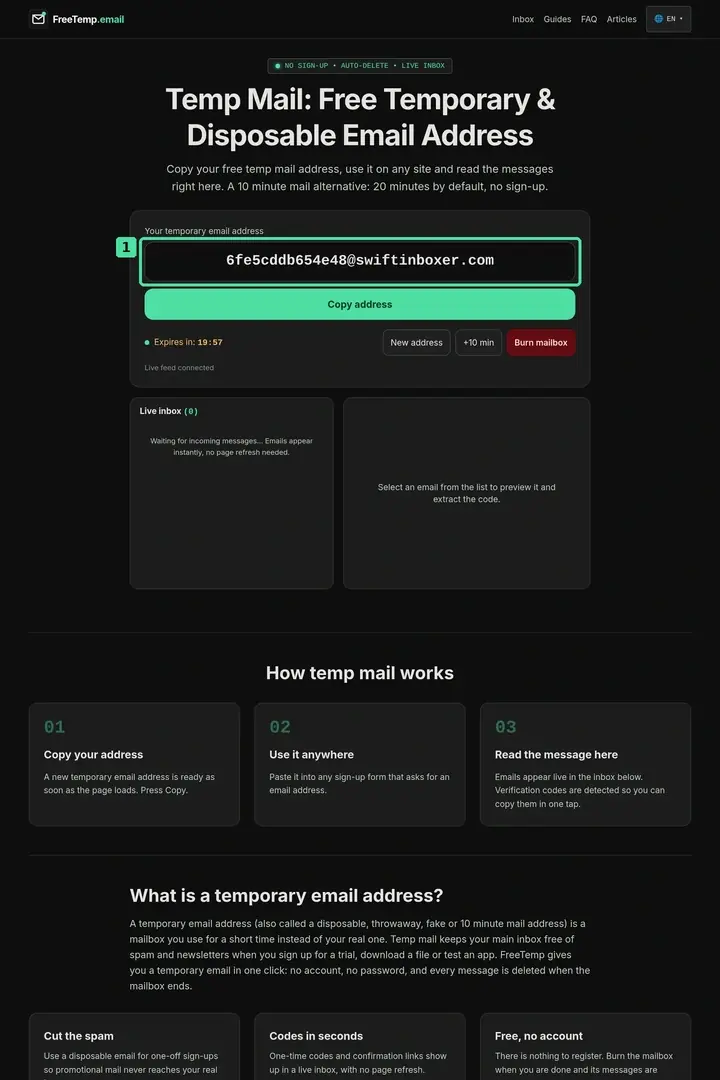
- Temporary email highlights the time limit: on FreeTemp, an inbox starts with a 20-minute server countdown that you can extend by +10 minutes per press up to a 60-minute ceiling, after which everything is wiped.
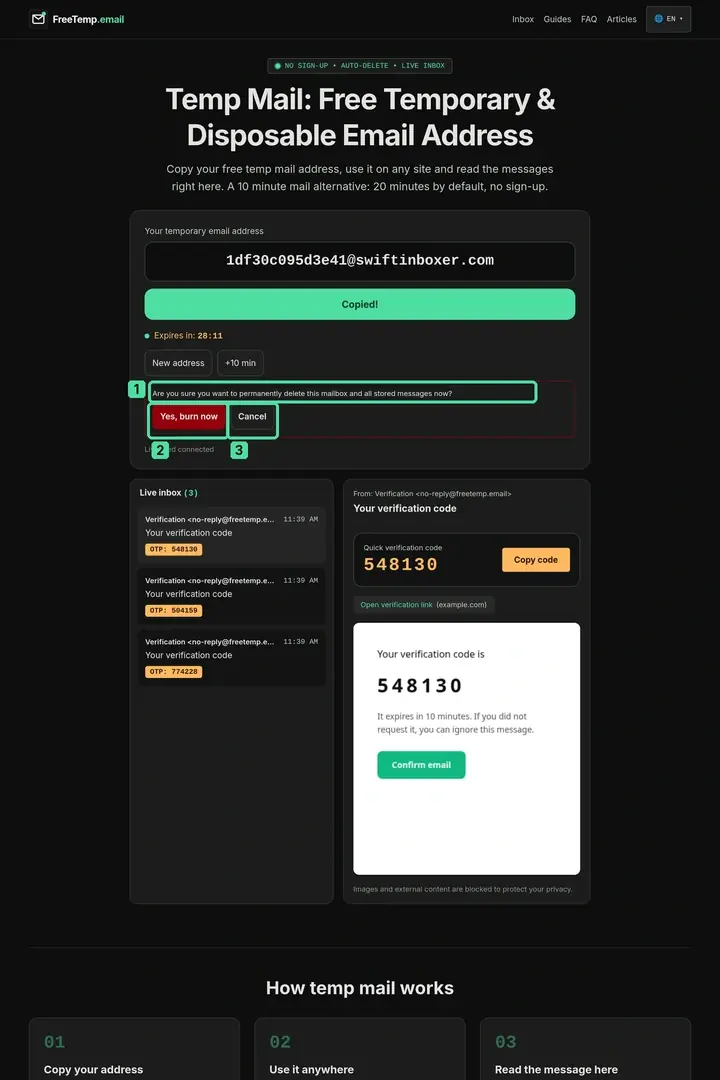
- Disposable email address highlights single-use intent: you generate an address with no signup, use it for one download or QA check, and press Burn mailbox to discard it immediately.
In both cases, messages stay inside an isolated browser view—protected by a per-session token—and never touch your Gmail, Outlook, or work account. For a full walkthrough of the mechanics underneath, see what is temporary email and how it works.
Email Aliases (Forwarding Masks and Subaddressing)
An email alias is not a separate short-lived inbox; it is a protective mask in front of your real mailbox. Aliases come in two main varieties:
- Relay or forwarding aliases (such as dedicated relay services, custom-domain catch-alls, or built-in OS privacy relays): generate a unique address like
books-74a@relay-domain.examplethat forwards incoming mail to your personal inbox until you toggle that specific alias off. - Plus-sign subaddresses (such as
yourname+news@domain.example): append a tag to your existing address for inbox filtering, though anyone reading the string can still see your real address right before the+sign.
How Forwarding Relays Handle Replies and Domain Ownership
Unlike a standalone web inbox that drops off the internet when its timer ends, a forwarding relay rewrites mail headers (such as SRS return-path alignment) so your main provider accepts the forwarded message without flagging SPF authentication failures. Power users sometimes run catch-all forwarding on a personal custom domain, though a custom domain has a subtle privacy trade-off: if every alias shares @yourlastname.dev, anyone reading two aliases can link them back to the same individual, whereas shared relay pools and short-lived temporary domains blend into a broader user base.
Side-by-Side Comparison Across 8 Practical Criteria
Before filling out any web form, compare how each option behaves on storage, recovery, replies, and domain acceptance:
| Criterion | Temporary / Disposable Inbox (FreeTemp) | Relay / Forwarding Email Alias | Plus-Tag Subaddress (name+tag@) |
|---|---|---|---|
| Setup required | Zero—instant in browser | Account signup + extension or dashboard | None if your mail provider supports + |
| Where mail lands | Isolated web inbox on the page | Forwarded into your real permanent inbox | Directly inside your real permanent inbox |
| Hides real email from sender? | Yes—completely separate address | Yes—sender sees only the relay address | No—real address is visible before + |
| Default lifespan | 20 minutes (+10 min up to 60 min ceiling) | Permanent until you pause or delete it | Permanent (tied to your main account) |
| Outbound replies | Receive-only; cannot send or reply | Often supports masked replies | Replies expose your real address |
| Password resets 6 months later | Impossible—expired inbox is gone forever | Works normally while alias stays enabled | Works normally |
| Attachments and large mail | No attachments; 2 MB raw email cap | Follows your provider's normal MB limits | Follows your provider's normal MB limits |
| Traces left in main inbox | Zero messages ever reach your main mail | Every forwarded email sits in your archive | Every email sits in your main archive |
Realistic Example: Matching 3 Signups in One Afternoon to the Right Tool
Imagine a freelance web designer handling three different online forms during a single workday:
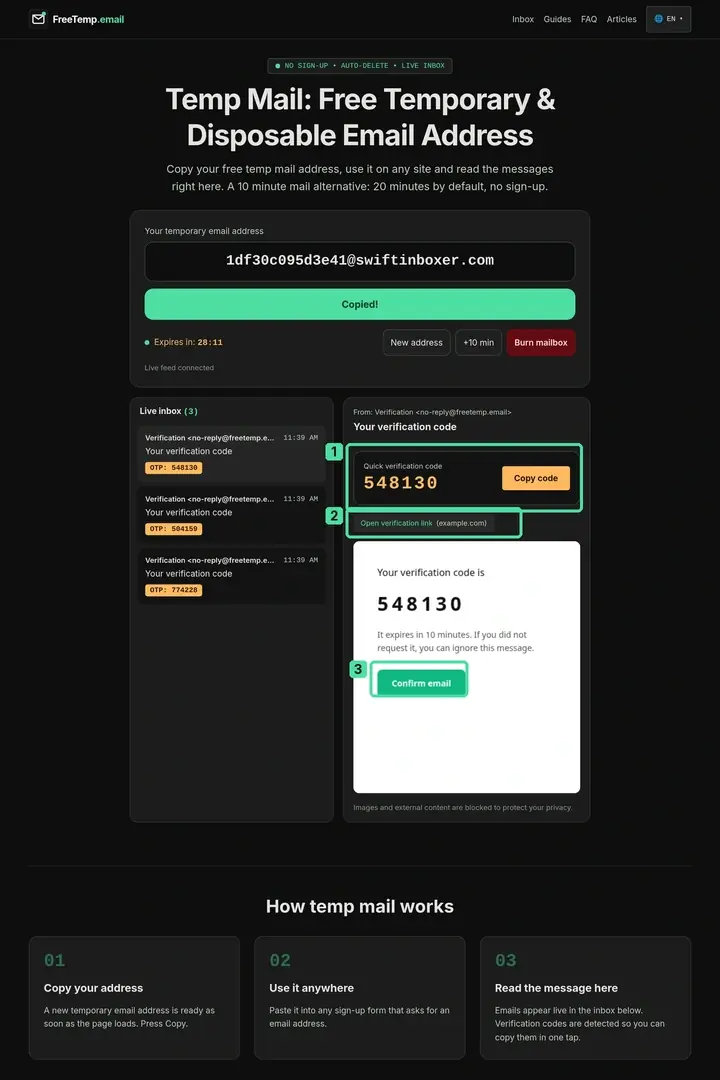
- Downloading a typography specimen sheet (Disposable inbox): A font blog gates a free specimen chart behind an email prompt. The designer opens FreeTemp, copies the address, grabs the confirmation link from the isolated preview, and burns the inbox ten seconds later—zero clutter in their studio mailbox.
- Ordering a monitor arm from a niche hardware shop (Forwarding alias): The designer needs order invoices, tracking updates next week, and a two-year warranty claim path, yet dislikes retail marketing blasts. They generate a dedicated forwarding alias in their relay manager so receipts reach their real inbox while keeping the option to mute promos later.
- Filing a tax software support ticket (Real primary email): Because tax records involve identity verification and multi-year compliance, the designer uses their primary authenticated mailbox directly.
Decision Workflow: Choosing in Under 10 Seconds
Run every unfamiliar signup form through these four sequential questions:
- Does this account touch money, legal identity, work, health, or purchases? Use your real permanent email (or a trusted custom-domain alias you own outright).
- Might I log back in next month or need a password reset link? Use a relay forwarding alias that stays active until you turn it off.
- Do I only want to organize newsletters inside my existing inbox without hiding my address? Use a
+tagfilter rule—and compare its limits in temporary Gmail address myths and real alternatives. - Do I need a single verification code, Wi-Fi gate pass, or QA test right now with zero future logins? Use a disposable inbox and follow our one-time signup guide.
Common Mistakes When Mixing Up Aliases and Disposable Mail
- Treating a temporary inbox like a pauseable alias: You cannot "re-enable" an expired FreeTemp address six weeks later when an app asks to re-verify your login.
- Expecting
+tagaddresses to stop data brokers: Removing everything between+and@takes one line of code, so marketing lists and leaked databases still expose your underlying email. - Using forwarding aliases for pure one-time downloads: Creating and managing fifty permanent aliases for PDFs you read once fills your alias dashboard and still routes fifty welcome emails into your real inbox.
- Forgetting outbound reply needs: If a community moderator or support team asks you to reply from your registered email to confirm a request, FreeTemp's receive-only design cannot send a reply; check the full safety boundaries in is temporary email safe and what it protects.
Building a Clean Two-Layer Email Habit
Keeping your primary inbox calm does not require complicated software. Pair a permanent relay alias tool for ongoing shopping and community accounts with an instant FreeTemp inbox for one-off downloads, captive portals, and QA checks—and reserve your real address exclusively for people and institutions you trust.
Frequently asked questions
Is there any technical difference between temporary email and disposable email?
In practice they refer to the same kind of short-lived, no-registration inbox. "Temporary" emphasizes the automatic expiration timer, while "disposable" emphasizes using the address once and discarding it.
Does FreeTemp forward messages to my personal email like an alias?
No. FreeTemp never asks for your personal email address and never forwards mail anywhere. All messages stay inside the isolated browser inbox until the timer expires or you burn the mailbox.
Which option reveals which company leaked or sold my email address?
A unique relay alias per website reveals leaks over time because future spam arrives addressed to that site-specific alias. A disposable inbox prevents the leak from ever reaching you at all because the address self-destructs.
Why do some websites accept forwarding aliases more often than disposable domains?
Many services screen public disposable domains to require durable contact addresses for ongoing accounts, whereas custom-domain or major-provider relay aliases represent persistent mailboxes capable of receiving long-term account notices.